The NeroNext.com Platform generates an invoice for every service bought or transaction that is made in your account. Invoices are a way for you to track your expenses and have neat records for your services distributed by us.
In this tutorial, we’re going to show you **how to view and pay invoices.
STEP 1: Login to your NeroNext Dashboard!
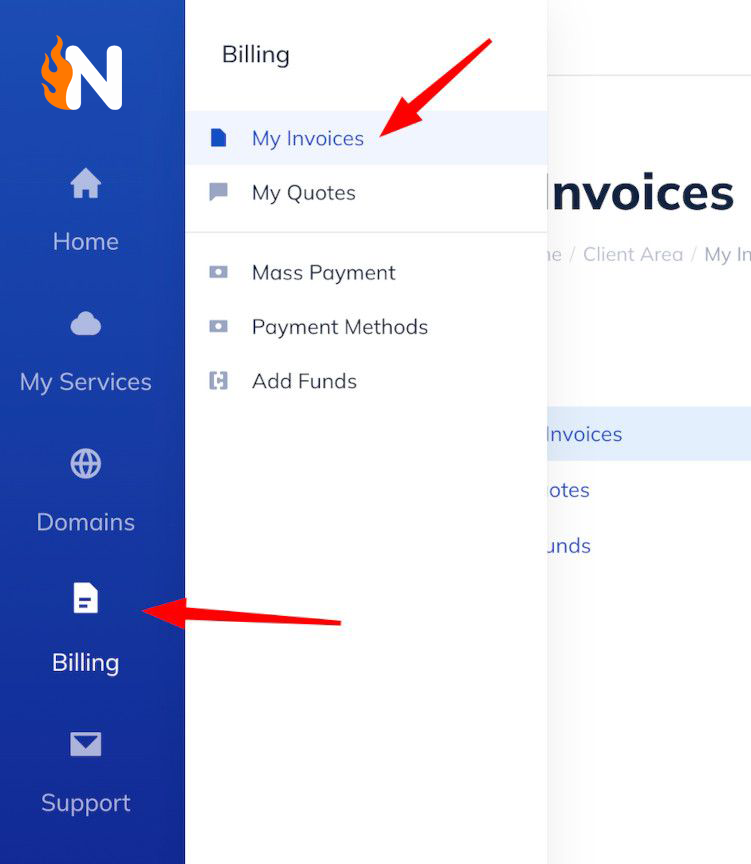
STEP 2: On the left side, click on Billing. On the menu, click on My Invoices!